
Migrating Your VB6 Application to .NET: 7 Practical Steps
If your business is still running on a Visual Basic 6 (VB6) application, you already know it’s becoming harder to keep things working smoothly. Microsoft stopped supporting VB6 years ago, and every day you stay on it increases the risk of security gaps, compatibility issues, and mounting maintenance costs that’s why people choose migration.
Moving to .NET may sound like a big project, but with the right approach, it can be managed step by step. Below, I’ll walk you through why the migration matters, when it makes sense to start, and the 7 key steps that make the process easier.
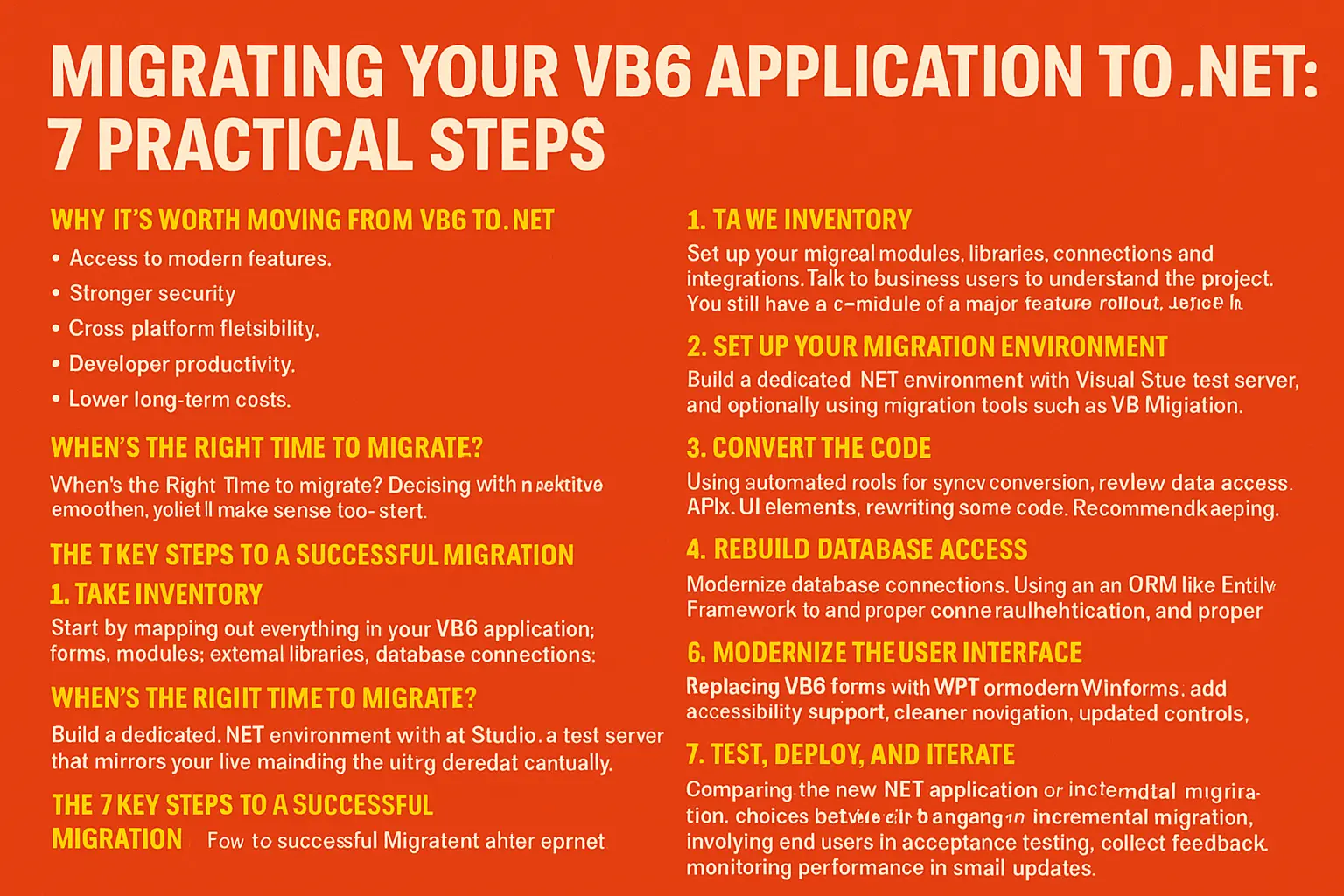
Why It’s Worth Moving from VB6 to .NET
Before diving into the how, let’s talk about the why. These are the main reasons businesses decide to upgrade:
Access to modern features: .NET supports cloud, mobile, and AI-powered capabilities that VB6 simply cannot handle.
Stronger security: Features like input validation, encryption, and built-in security libraries are standard in .NET but missing in VB6.
Cross-platform flexibility: While VB6 is locked to Windows, .NET applications can run on Windows, Linux, and macOS.
Developer productivity: Visual Studio, debugging tools, and modern coding standards save time and reduce errors.
Lower long-term costs: Maintaining VB6 gets more expensive as support fades. Migrating avoids those recurring headaches.
Future-proofing: VB6 officially ended support in 2008. Every year you wait makes migration harder.
When’s the Right Time to Migrate?
Migration is smoother when your application is still in active use and hasn’t become too outdated. Leadership is willing to budget for the project. You still have access to people who know the VB6 codebase inside and out. You are not in the middle of a major feature rollout, since migration itself is enough change to handle at once.
Waiting too long often means scrambling later when you no longer have the expertise, budget, or testing resources in place.
The 7 Key Steps to a Successful Migration
1. Take Inventory
Start by mapping out everything in your VB6 application: forms, modules, external libraries, database connections, and integrations. Talk to business users to understand which features are critical to daily operations. This step helps you decide what to prioritize, what can be simplified, and what is worth rebuilding.
2. Set Up Your Migration Environment
Build a dedicated .NET environment with Visual Studio and a test server that mirrors your current setup. This gives you a safe space to start converting code and testing without disrupting your live system. Many teams also use migration tools such as VB Migration Partner to handle basic syntax conversion before fine-tuning things manually.
3. Convert the Code
Automated tools can handle the bulk of syntax conversion, but you will still need to review and adjust areas like data access, APIs, and user interface elements. Some parts of the codebase may be better off rewritten entirely to eliminate old bugs or bad design decisions. Keep everything under source control so you can track changes and avoid losing progress.
4. Rebuild Database Access
Do not just port over old database connections. Instead, modernize them. Using an ORM such as Entity Framework improves security, performance, and long-term flexibility. Parameterized queries, secure credentials, and proper connection pooling should all be part of your redesign.
5. Modernize the User Interface
This is where users notice the biggest improvement. Replace old VB6 forms with WPF or modern WinForms, and design layouts that work well on desktops, tablets, and even mobile. Add accessibility support, cleaner navigation, and updated controls. A polished interface improves both usability and user satisfaction.
6. Upgrade Integrations
If your VB6 app connects to other systems, this is the time to modernize those integrations. Switch from outdated protocols to modern APIs, enable secure authentication, and explore opportunities to connect with cloud services. You can even create your own APIs to make your application more flexible in the future.
7. Test, Deploy, and Iterate
Testing is critical. Compare the new .NET application against the old VB6 one to ensure functions, workflows, and results match. Involve end users in acceptance testing so you catch issues early. Once deployed, collect feedback, monitor performance, and roll out improvements in small, manageable updates.
Tools That Can Help
Some of the most commonly used tools include Microsoft Visual Basic Upgrade Companion, ArtinSoft VB6 to .NET Converter, JustDecompile, and migration services such as GO-Globe if you prefer handing off the heavy lifting to experts.
Common Challenges to Expect
Every migration has its hurdles. The most common are old VB6 code that does not map directly to .NET features, third-party libraries or ActiveX controls that no longer work, UI differences that require rethinking layouts, and the need to clean up business logic that was previously mixed into forms.
Planning for these challenges up front helps you avoid surprises later.
Choosing the Right Migration Strategy
You will need to decide between big bang migration, where you rewrite and move everything at once, and incremental migration, where you migrate modules in phases to reduce risk. Another choice is between automated conversion tools, which save time, and manual conversion, which often produces cleaner results. Finally, you will decide whether to target VB.NET or C#. Both are supported in .NET, but many businesses choose C# for its scalability and wider developer base.
Final Thoughts
Migrating from VB6 to .NET is not just about moving code. It is about ensuring your business-critical application is secure, maintainable, and ready for the future.
Handled in phases, with careful testing and the right mix of automation and manual refinement, the process is entirely manageable. The payoff is worth it: lower costs, stronger security, and an application that can continue supporting your business for years to come.
If you are considering the move, now is the time to start planning before VB6 knowledge and support resources disappear entirely. If you are still facing any difficulties, reach out to Empire DigiSol now!


