
Schema Markup for NAP – Best guide to stronger local SEO
If you run a shop, clinic, office, or service business, people first look you up online. They want the right name, the right address, and a phone number that actually works. Search engines also want the same thing. When your details match everywhere, you look reliable and you show up more often. When they do not match, you drop in results and customers get confused.
This guide explains schema markup for NAP in simple words. Think of it as putting a clean label on your business details that tells Google, this is the official information. We will walk through what it is, why it matters, how to add it, 15 practical ways to make it stronger, common mistakes to avoid, and how to test it. Every section uses clear steps and examples so you can act today.
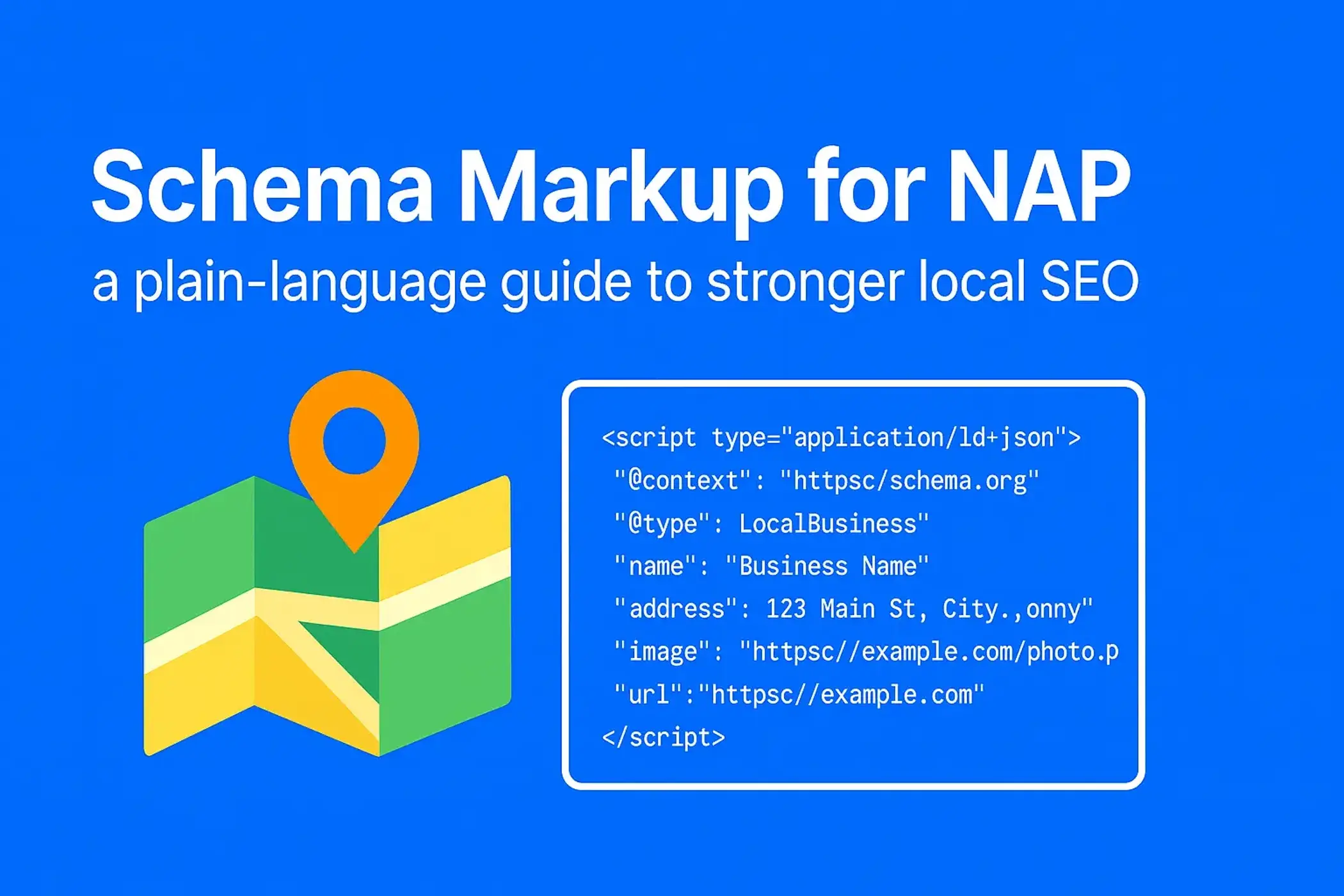
What is NAP and why schema markup makes it easier for search engines
Your NAP is your business name, address, and phone number. It is your online ID card. If that ID card looks different in different places, search engines are not sure which version to trust. When you add schema markup, you give search engines a structured copy of your NAP that is easy to read, store, and show in results.
Schema markup is a small piece of code you add to your pages. Visitors do not see it, search engines do. It sits quietly on the page and confirms your official details. When the same details appear on your website, Google Business Profile, maps, and directories, confidence goes up and your local visibility improves.
Think of schema markup as the difference between someone guessing your details and you handing them a neat printed card. Guessing leads to errors. A neat card builds trust.
How schema markup lifts NAP accuracy
- It standardizes your name, address, phone, and hours across your pages, profiles, and listings.
- It helps Google connect your website with your profiles on maps and social platforms.
- It reduces real-world mistakes, such as calls to old numbers or visits to an old address.

Why NAP consistency changes your local results
Search engines score results partly on trust. Trust grows when all signals say the same thing. Mismatched phone numbers, different address formats, or old suite numbers create doubt. Doubt can push your listing down and send traffic to a competitor who looks more consistent.
For customers, wrong details waste time and cause frustration. A visitor who arrives at the wrong location often leaves a negative review. Reviews then affect rankings. Clean NAP is not only an SEO task, it is customer care.
What goes wrong when details do not match
- People call the wrong number, no one answers, the lead is lost.
- Drivers reach the wrong door or a previous site and leave a bad review.
- Search engines avoid showing your listing because they cannot confirm it.
Step by step: how to implement schema markup for NAP
You do not need to be a developer. Follow these steps in order and you will have a reliable setup.
1. Pick the format that search engines prefer
There are three common formats. JSON-LD, Microdata, and RDFa. JSON-LD is the one Google recommends. It keeps your code separate from the visible content, it is easier to maintain, and it is less likely to break your design.
2. Generate your schema safely
Use a trusted generator. Two good options are Google’s tools or Merkle’s generator. Fill in your official business name, full street address, city, postal code, country, main phone with country code, website URL, and opening hours if you want them shown. Make sure this matches your Google Business Profile exactly.
3. Place the code on your site
Copy the JSON-LD script into the <head> of your page template. If your site runs on WordPress, you can use Rank Math, Schema Pro, or Yoast to inject LocalBusiness schema without touching code. If your site is custom, your developer can paste the script in your layout so it loads on all relevant pages.
4. Validate before you publish
Open Google’s Rich Results Test and paste your page URL or your JSON-LD code. Fix any warnings, missing commas, or missing fields. Small errors block the whole snippet.
5. Keep every platform identical
Match what you wrote in schema with your Google Business Profile, Apple Maps, Bing Places, Facebook page, LinkedIn page, and major directories. Use the same spelling, the same abbreviations, the same phone format with country code, the same suite number.
15 practical methods to strengthen NAP using schema markup
These methods stack together. Start with the basics, then add the rest as you grow.
1. Add LocalBusiness schema on key pages
Make LocalBusiness the foundation. Place it on your homepage and contact page at minimum. If you have service or city pages that show your address or phone, add it there as well. This gives search engines multiple confirmed sources on your domain.
Tips
- Use the exact brand name that appears on your storefront and legal paperwork.
- Include address, telephone, url, and openingHoursSpecification where relevant.
- If you serve a small region, include areaServed.
2. Use Organization schema to support your brand
If you have several branches, use Organization schema on your corporate page to describe the parent brand and link to each location page. Keep LocalBusiness on each location page. This tells search engines there is one brand with many branches, not many unrelated businesses.
Good practice
- Add logo, sameAs for social profiles, and contactPoint for general inquiries.
- Link from the Organization schema to each location page with clear internal links.
3. Prefer JSON-LD for clarity and fewer errors
JSON-LD does not interfere with your HTML structure. You can update it without touching your visible content. It also works well with tag managers if your team uses one.
What to avoid
- Mixing Microdata inside headings and paragraphs.
- Duplicating multiple schema blocks that say different things.
4. Add GeoCoordinates for precise map pins
Include geo with latitude and longitude. Copy the numbers from your pin on Google Maps. Precise coordinates reduce wrong turn-ins and help your listing snap to the correct entrance, especially in large plazas or multi-unit buildings.
5. Use sameAs to confirm identity
List official profiles that represent your business. Common choices are Google Business Profile short URL, Facebook page, LinkedIn page, Instagram, Yelp, and a main directory in your industry. This creates a network of trust around your brand.
6. Publish accurate opening hours
Use openingHoursSpecification. Add days, open time, and close time. If you have seasonal or holiday hours, update them. Nothing frustrates users more than closed doors during stated open times.
7. Format the address the same way everywhere
Pick a single style and keep it. If you write Suite 204 on your site, do not write Ste 204 on directories. Use the same city spelling, the same postal code, the same country name. This reduces false mismatches.
8. Add contactPoint for departments
If you have different lines for sales, support, and billing, use contactPoint with contactType, the phone number, and optional hours. This helps the right calls reach the right people and can appear in branded search panels.
9. Use Service schema to explain what you actually do
Service schema helps search engines connect your NAP with the work you deliver. Add primary services with short descriptions and, if relevant, service areas. This supports long-tail queries, such as pest control bed bug treatment near me or emergency drain cleaning in Lahore.
10. Add Breadcrumb schema for location structure
Breadcrumbs make your site structure clear. For multi-location brands, a path like Home, Locations, New York, New York City shows both users and search engines where they are. It also encourages the right sitelinks in results.
11. Place LocalBusiness schema on each location page
Create a unique page per location. Put the correct NAP, a map embed, local reviews, and local photos. Add LocalBusiness schema that matches only that location. Never copy a head office phone to all branches.
12. Mark up reviews the right way
Use AggregateRating with real reviews that are visible on the page. Do not create fake ratings or mark up third-party reviews that you do not host. Honest ratings improve click-through and trust.
13. Use Event schema for local promotions
If you run in-store demos, workshops, open houses, or holiday sales, add Event schema. Include name, date, time, location, and a link to learn more. This can trigger rich event results and supports foot traffic.
14. Monitor your schema with testing tools
Create a simple check routine. Test the homepage, the contact page, and each location page after any content update. Store screenshots or exported results so you can compare over time.
15. Keep schema current as the business changes
Moves, rebrands, number changes, and new hours all require updates. Update the site first, then schema, then your Google Business Profile, then major directories. Work in that order so everything matches quickly.
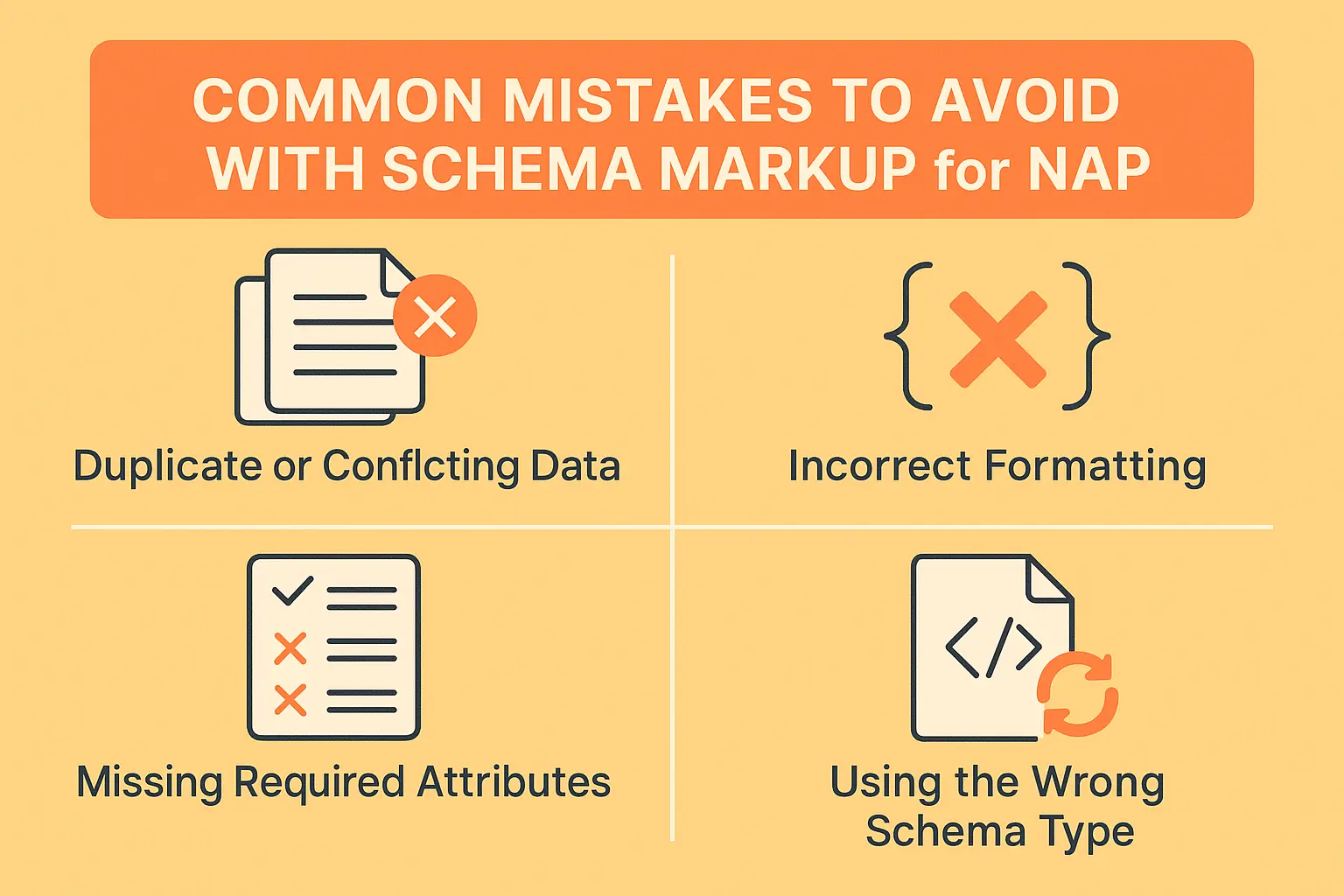
Common mistakes that break trust and how to avoid them
Duplicate or conflicting data
Two different phone numbers on two pages creates doubt. Keep one canonical number for each location and use it everywhere. If you have tracking numbers, use call tracking that supports number insertion while keeping the main number in schema.
Incorrect formatting
A missing comma inside JSON-LD can invalidate the whole block. Always validate after edits. Keep a clean, commented version in your documentation so you can restore quickly.
Missing required attributes
Forget the postal code or country code, and some features will not trigger. Always include full address fields and phone with country code.
Wrong schema type
Do not mark a branch with Organization only. Use LocalBusiness for locations. Use more specific subtypes when they apply, such as MedicalClinic, AutoRepair, LegalService, or Restaurant.
WordPress and custom sites: reliable implementation paths
WordPress steps that work
- Pick one plugin that manages LocalBusiness schema well. Rank Math and Schema Pro are common choices.
- Fill the global business fields, then override per page for each location page.
- Use the plugin’s testing link after saving. Avoid stacking multiple SEO plugins that all try to add schema.
Custom site steps that are easy to maintain
- Store your JSON-LD templates in one include file.
- Pass location data from a simple settings file or CMS fields.
- Load the block in the page <head> and version control the changes so you can track edits.
Testing and validation: simple routines you can repeat
Google Rich Results Test
Paste the URL or code. Fix errors and warnings. Retest until clean.
Manual review
Open page source and search for @type. Confirm that the visible phone, address, and hours match the values inside the script.
Third-party checks
Use the Schema.org validator or Merkle’s tester. Save a PDF of each clean result for your records.
Create a monthly reminder to retest your top pages. Small drifts get caught early this way.
Keep your schema fresh, your rankings steady, and your customers happy
Schema markup is not a one-time task. Think of it as you would think of your shop sign or your business card. When you move, you change the sign. When your number changes, you print new cards. Do the same with schema and with your profiles. The faster you update, the less time bad data has to spread.
A simple maintenance checklist helps
- When the business changes, update the website content first.
- Update JSON-LD schema on the same day.
- Update Google Business Profile and key directories next.
- Test the updated pages with Google’s tools.
- Recheck in one week to confirm indexing.
Example JSON-LD you can adapt today
Replace the sample values with your own. Keep the structure and the field names unchanged.
<script type=”application/ld+json”>
{
“@context”: “https://schema.org”,
“@type”: “LocalBusiness”,
“name”: “Your Business Name”,
“image”: “https://www.example.com/uploads/storefront.jpg”,
“url”: “https://www.example.com/”,
“telephone”: “+1-212-000-0000”,
“priceRange”: “$$”,
“address”: {
“@type”: “PostalAddress”,
“streetAddress”: “123 Main Street, Suite 204”,
“addressLocality”: “New York”,
“addressRegion”: “NY”,
“postalCode”: “10001”,
“addressCountry”: “US”
},
“geo”: {
“@type”: “GeoCoordinates”,
“latitude”: 40.7128,
“longitude”: -74.0060
},
“openingHoursSpecification”: [
{
“@type”: “OpeningHoursSpecification”,
“dayOfWeek”: [“Monday”,”Tuesday”,”Wednesday”,”Thursday”,”Friday”,”Saturday”],
“opens”: “09:00”,
“closes”: “18:00”
}
],
“sameAs”: [
“https://g.page/r/your-google-profile”,
“https://www.facebook.com/yourpage”,
“https://www.linkedin.com/company/yourcompany”
],
“contactPoint”: [{
“@type”: “ContactPoint”,
“telephone”: “+1-212-000-0000”,
“contactType”: “customer service”,
“areaServed”: “New York”,
“availableLanguage”: [“en”,”es”]
}],
“areaServed”: “New York”
}
</script>
If you run multiple branches, place one block like this on each location page, change the name, address, phone, coordinates, and hours for that location, and keep the Organization schema on your corporate page.
Putting it all together
Clean NAP and solid schema markup work like a steady signboard on a busy road. People find you, call you, and arrive at the right door. Search engines trust you, list you more often, and show helpful extras like hours and ratings. Start with LocalBusiness on your key pages, add coordinates and opening hours, connect your profiles with sameAs, and keep everything identical across the web. Test monthly, update quickly, and you will see fewer lost calls and more qualified visits.
People Also Ask
Q1. What is NAP in SEO?
NAP stands for Name, Address, and Phone number. It is your business’s digital identity. Consistent NAP across websites, directories, and schema markup helps search engines trust and rank your business higher in local results.
Q2. Why is NAP important for local SEO?
NAP consistency builds trust with search engines. When your name, address, and phone match everywhere, Google is confident about your business location and shows it more often in Maps and local search.
Q3. How does schema markup improve NAP?
Schema markup provides a structured format of your NAP for search engines. It makes details machine-readable, connects your site with Google Business Profile, and prevents errors from mismatched contact information.
Q4. What schema type is used for NAP?
The best schema type for NAP is LocalBusiness in JSON-LD format. It includes your name, address, phone number, hours, geo coordinates, and social links.
Q5. How do I add NAP schema markup?
You can generate LocalBusiness schema using Google or Merkle tools. Copy the JSON-LD script and place it in your site’s <head>. Always validate it with Google Rich Results Test.
Q6. Does NAP schema affect Google rankings?
Yes. While schema alone doesn’t guarantee rankings, accurate NAP markup improves trust signals, increases local visibility, and reduces errors, which together help boost your local SEO performance.
Q7. Can I use schema for multiple business locations?
Yes. Create a unique LocalBusiness schema block for each branch with its exact name, address, phone, and geo coordinates. Keep Organization schema for the parent company.
Q8. How do I keep NAP consistent across platforms?
Use the same spelling, phone format, and address everywhere: Google Business Profile, directories, social media, and schema markup. Update all profiles immediately if details change.
Q9. What happens if my NAP is inconsistent?
Mismatched NAP confuses search engines and customers. Calls may go to wrong numbers, visitors may reach old addresses, and rankings can drop due to lower trust.
Q10. How can I test my NAP schema?
Use Google’s Rich Results Test or Schema.org validator. Enter your URL or JSON-LD code to check for errors. Update any missing fields and retest until it’s valid.


